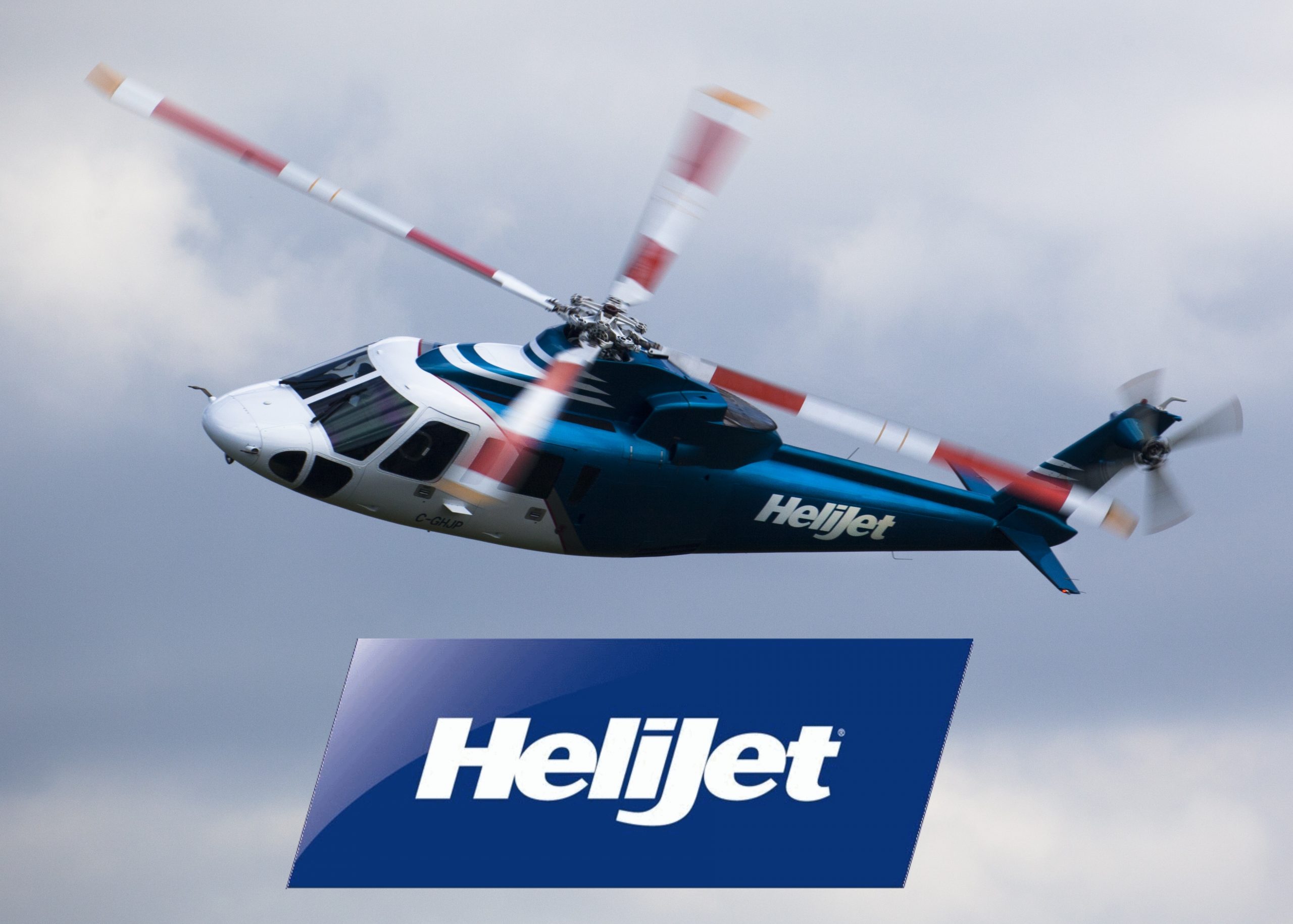
Getting To The Game Or A Concert Just Got Easier With Helijet’s New ULTRA-SAVER*
Find The Lowest Fares With ULTRA-SAVER AND Keep ALL of Helijet’s Great Amenities; Generous Baggage Allowance | Free Parking | Fast Check-In | Local Beer & Wine | Snacks & Treats | VIP-Style Lounges | Courtesy Drop-Off Shuttle Service & More
*Ultra-Saver Cannot Be Combined with other Promotions Like Kids Fly Free. Ultra-Saver is Inventory-Controlled Based On Availability, Non-Changeable and Non-Refundable When Cancelled. Look for Ultra-Saver listed on select flights when searching for your next trip.
Make a Booking
Scheduled Airline
Click or Call +1.800.665.4354 to take off today.
Helijet core values
Customer Dedication | Safety | Professionalism
Mutual Respect & Trust
Sign up for HeliNews
By submitting this form, you are consenting to receive marketing emails from: Helijet International Inc,. You can revoke your consent by using the SafeUnsubscribe® link, in the email footer.